
Custom Nodes / Links / Comments
During investigations, users may encounter case-relevant information that is either off-chain or associated with unsupported blockchains. To help users map all relevant context directly onto the investigation board, Tracker now supports the addition of:
- Custom Nodes
- Custom Links
- Custom Comments
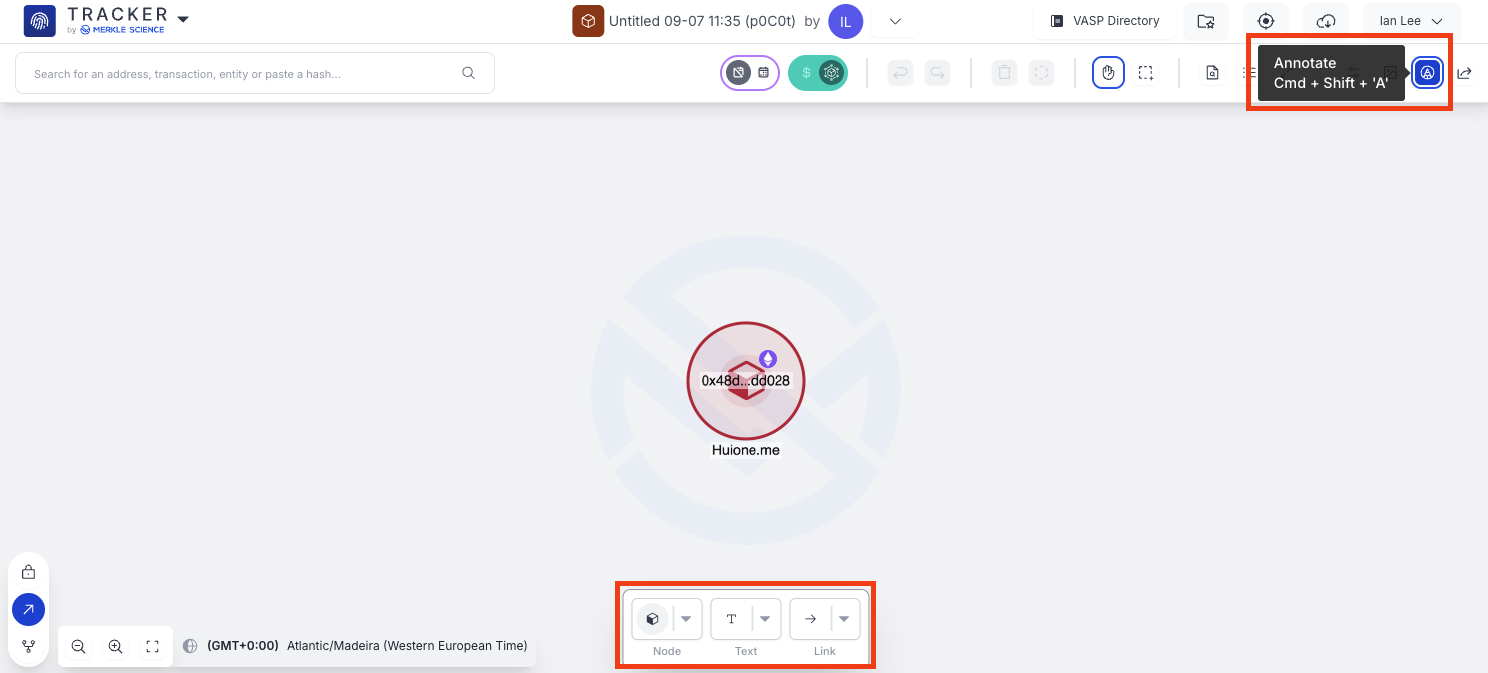
These tools are accessible through the Annotations panel, which can be opened by:
• Clicking the Annotations button, or
• Using the hotkey Cmd + Shift + A (Mac) or Ctrl + A (Windows).
Custom Nodes
Custom Nodes allow users to visually represent non-blockchain entities or off-chain data points.
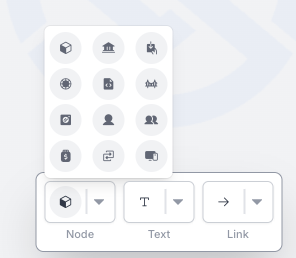
Choose from 9 different node designs to represent different entity types.
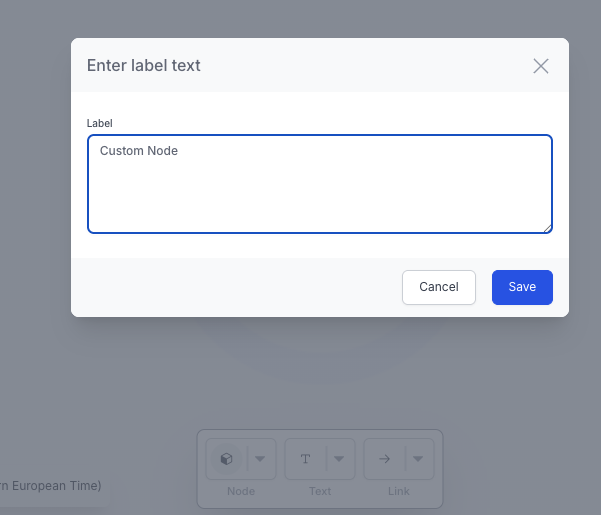
After selecting a design, name your node and it will appear on the board.
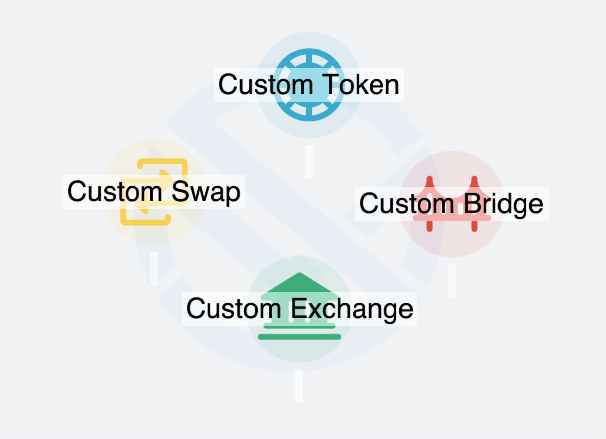
You can annotate Custom Nodes just like standard blockchain nodes.
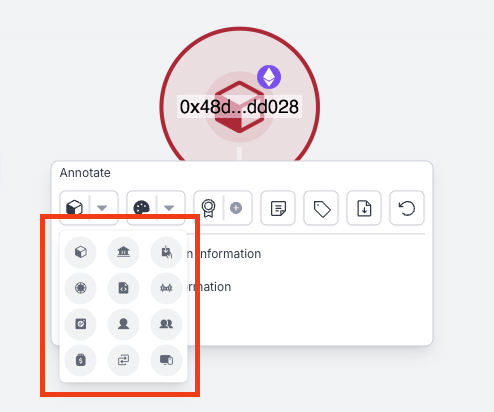
You can also edit the shape of existing nodes to better reflect their identity or function in the investigation.
Custom Links
Custom Links enable users to manually draw relationships between nodes—ideal for representing off-chain connections or logical associations.
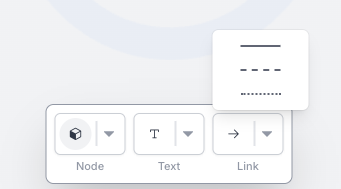
Choose from 3 different line styles.
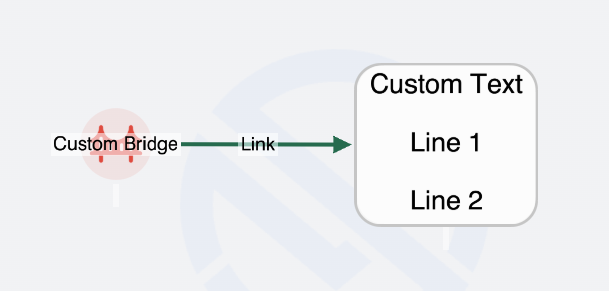
After selecting a line type, click on two nodes to connect them (including Custom or standard nodes)
The link will display a directional arrow from the first selected node to the second.
Custom Comments
Custom Comments help users annotate the board with standalone notes or observations. Unlike comments attached to nodes, Custom Comment boxes have a fixed size and are independent from nodes.
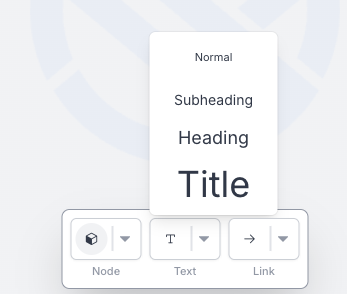
Choose from 4 different text sizes.
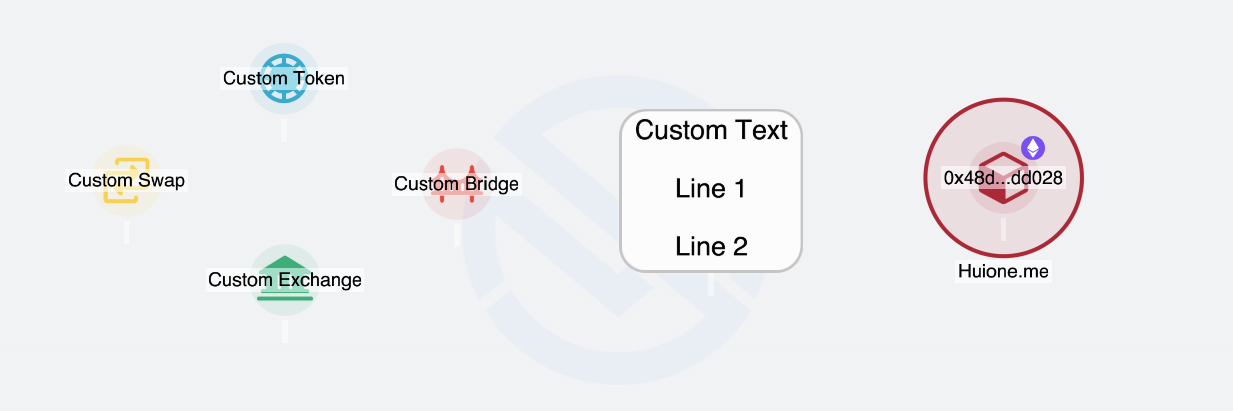
Select the desired location on the board and enter your comment text.
Comments can be repositioned and the text can be edited at any time.
These enhancements provide investigators with greater flexibility and visual clarity when documenting insights —whether on-chain, off-chain, or speculative—directly within their investigation board.
Updated over 1 year ago