
Export
Individual Export
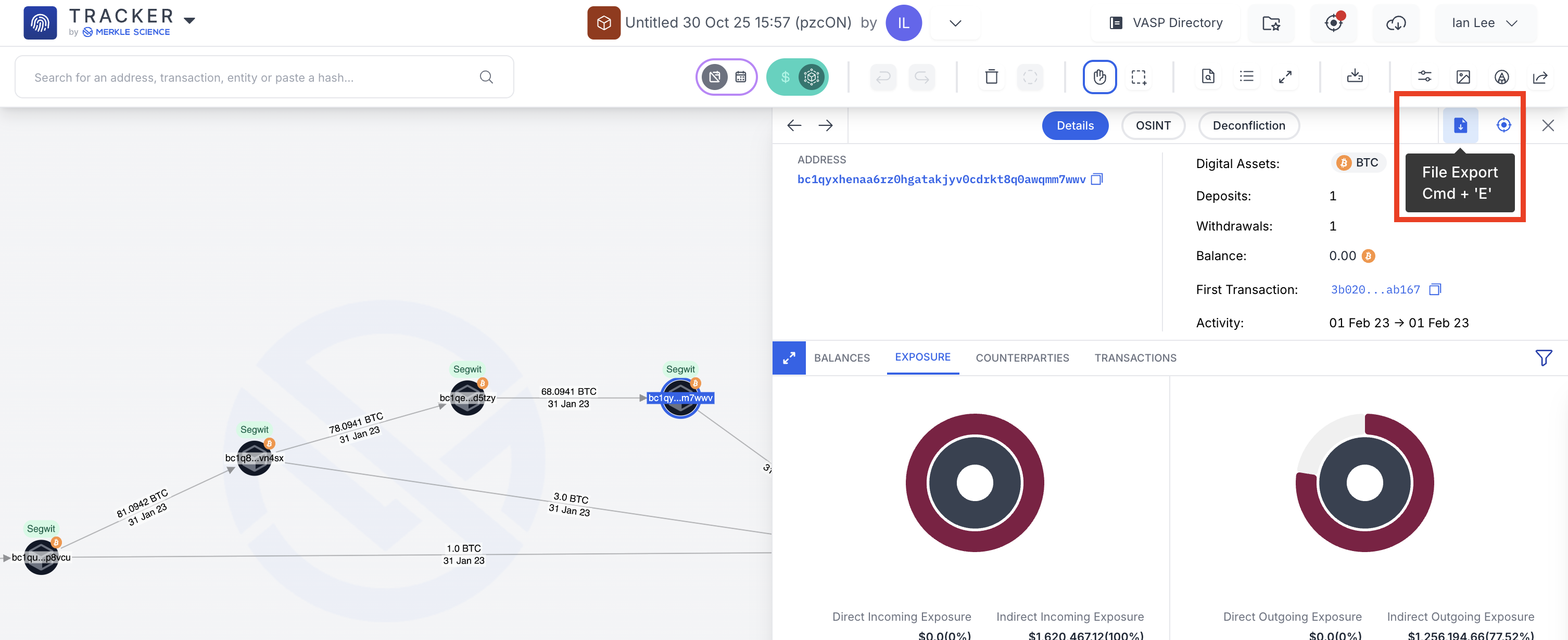
During an investigation, users may need to export key information about addresses and/or transactions. When exporting information about individual addresses and transactions, users can rely on the export button found on the address/transaction panel as seen below.
Mass Export
In the event the user wishes to export information on multiple addresses and/or transactions on the board, the user may rely on Tracker’s mass export button on the tool bar shown below.
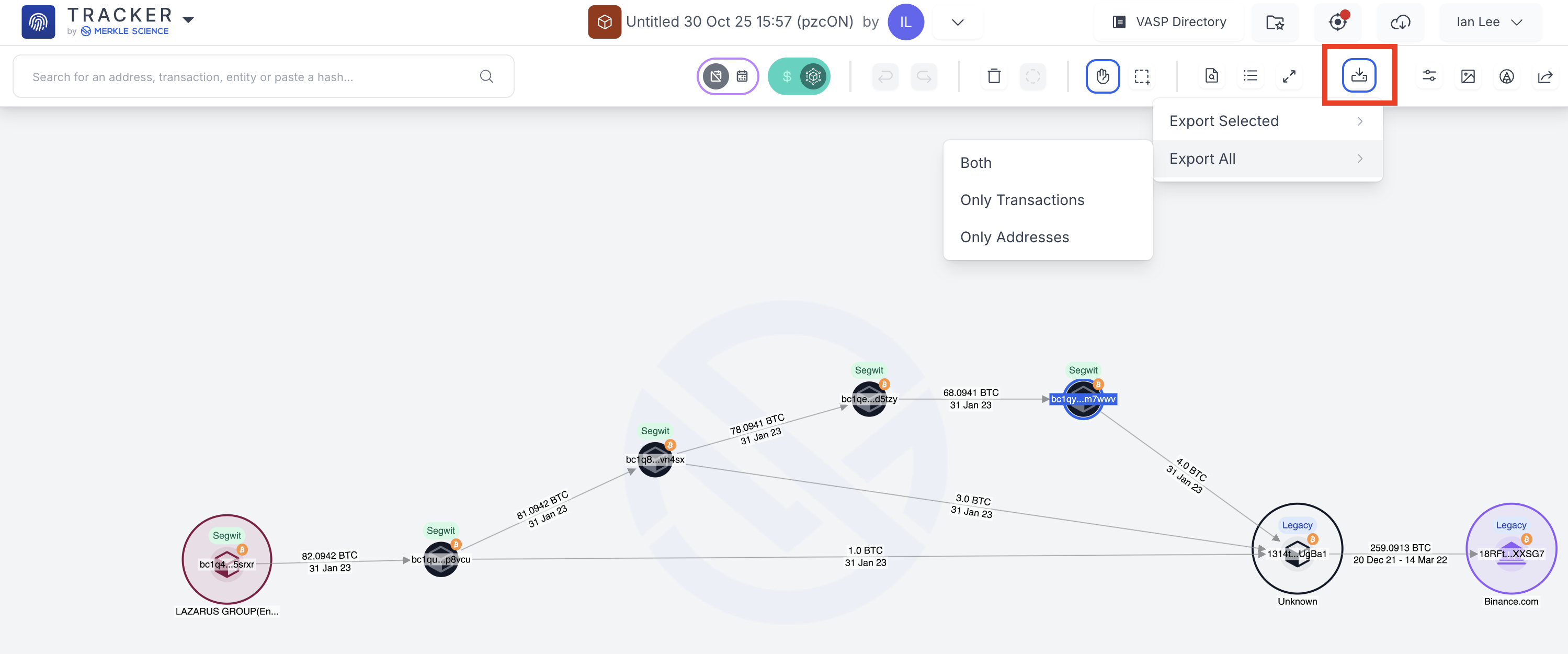
When mass exporting, users can choose to export:
All addresses
All transactions
All addresses and transactions
Selected addresses
Selected transactions
Selected addresses and transactions
Updated 12 months ago
Did this page help you?